

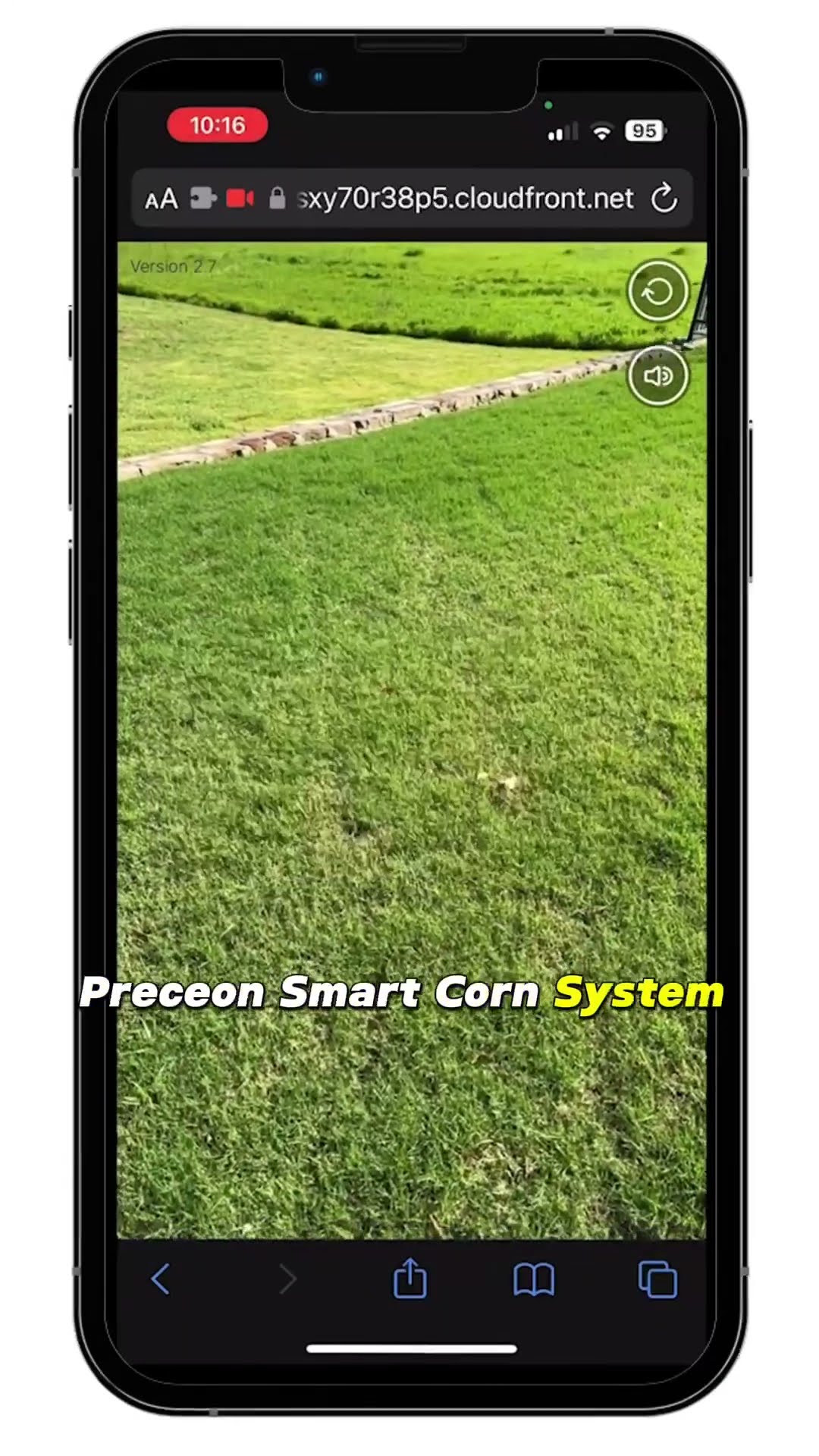
Pro tip: Keep the demo short and focused. Don’t try to show every product at once. One item, one experience. That’s how you avoid overwhelming the user.
What About SEO?
WebAR can actually boost your SEO. How? Well, Google loves engagement signals. If people spend more time on your page (because they’re playing with a demo), that’s a positive signal. Also, you can optimize the page with keywords like “try before you buy online” or “virtual product demo without app.” Just don’t stuff them — keep it natural.
And here’s a little hack: create a dedicated landing page for each WebAR demo. That way, you can target specific long-tail keywords. Like “augmented reality sofa preview” or “virtual makeup try-on no download.” It’s niche, but it works.
The Future (And Why You Should Care)
We’re heading toward a world where every product page has a “View in Your Space” button. It’s not a question of if — it’s when. And brands that adopt WebAR early will have a serious edge. Think of it like the early days of video on product pages. At first, it felt novel. Now, it’s expected.
I’m not saying WebAR will replace physical stores. Far from it. But it bridges the gap between browsing and buying. It reduces uncertainty. And in a world where attention spans are shrinking, anything that makes the decision easier is golden.
So, next time you’re shopping for a new lamp or a pair of boots, look for that little AR icon. It might just save you a trip to the post office for a return.
And if you’re a business owner? Well, you’ve got a decision to make. The tech is here. The tools are accessible. The only question is whether you’ll let your competitors get there first.